
Private Mode: Browser-Encrypted TEE Requests on NanoGPT
NanoGPT Private Mode encrypts supported TEE model requests in the browser, shows verification receipts after responses, and gives users a way to independently check attestation evidence.
Updates, guides, and insights
Showing
168 posts found for 'models'
NanoGPT Private Mode encrypts supported TEE model requests in the browser, shows verification receipts after responses, and gives users a way to independently check attestation evidence.
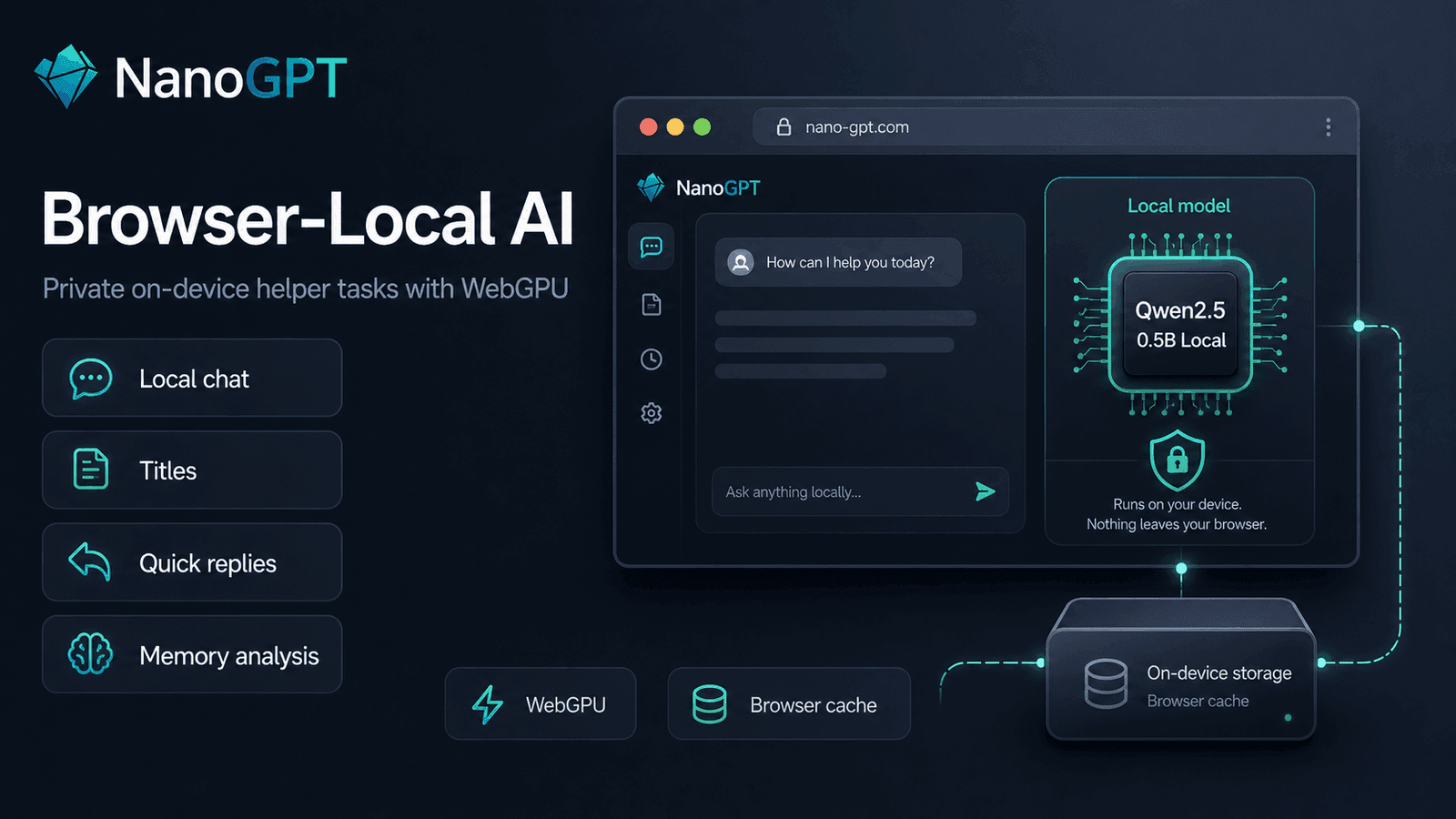
NanoGPT can now run a small local Qwen model directly in supported browsers, powering private on-device chat helpers like titles, quick replies, memory analysis, and local Auto model routing.
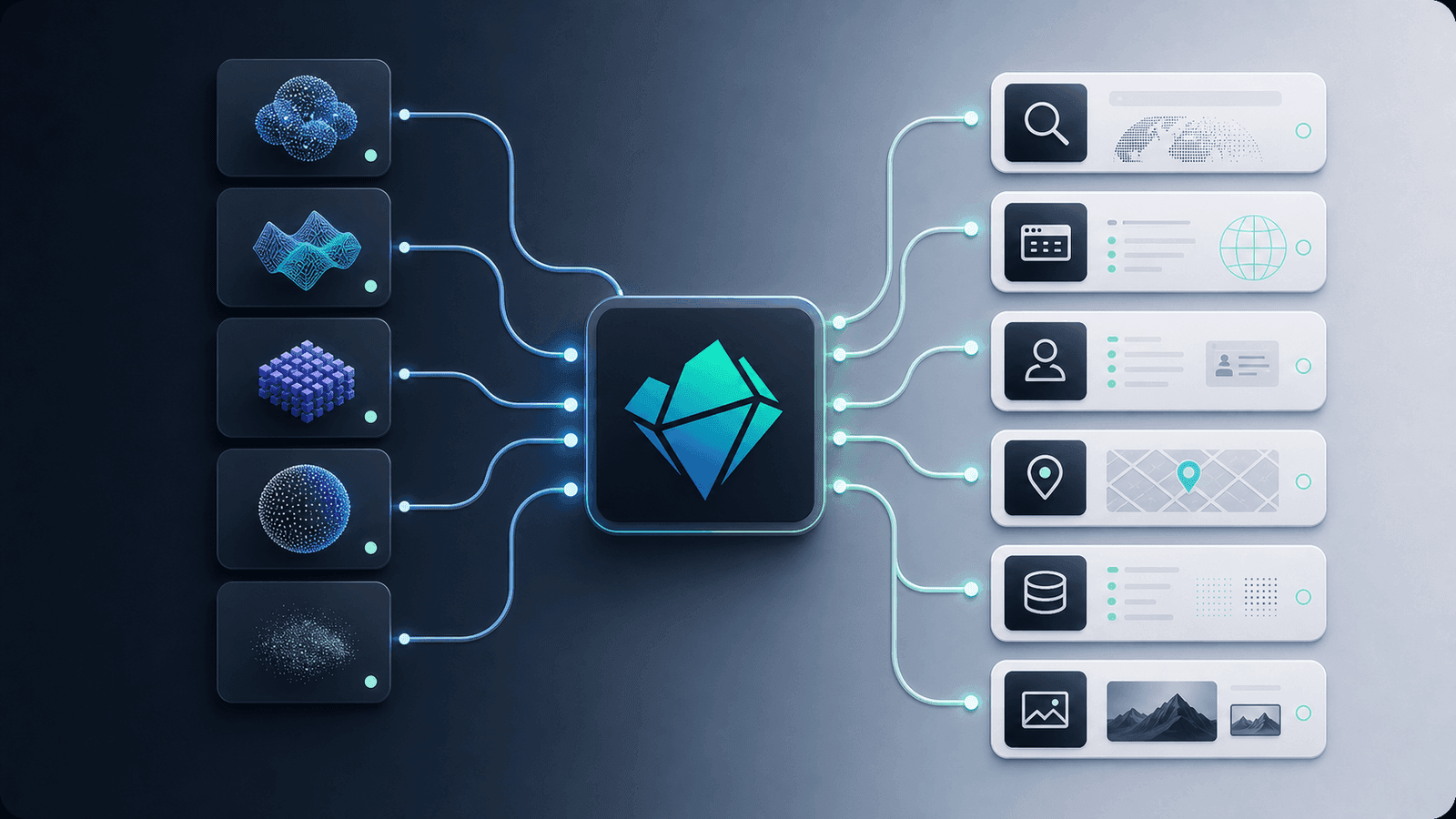
A practical guide to combining NanoGPT models with web search, memory, MCP, scrapers, and application tools for useful AI automations.
Step-by-step guide to connect Risuai to NanoGPT, choose models, and configure pay-as-you-go or subscription mode.
Burning through your AI balance faster than expected? Learn practical tips to cut costs on NanoGPT — from choosing the right model to managing conversation context, using the subscription, and avoiding common money traps.
Looking for an AI subscription alternative in 2026? Learn how to use 400+ AI models for chat, image, and video in one place without juggling multiple paid plans.
Compare every way to access Claude models — Claude Pro, API direct, and NanoGPT. See real costs per conversation and find the cheapest option for your usage level.
A detailed comparison of NanoGPT and ChatGPT Plus. See how pay-per-use pricing compares to a $20/month subscription, which models you get access to, and when each option makes more sense.
Anthropic's newest flagship model brings a 1M token context window, adaptive thinking with configurable effort levels, and best-in-class coding and reasoning. Available now on NanoGPT with prompt caching.

Configure OpenClaw to use NanoGPT's OpenAI-compatible API, model catalog, and optional MCP tools.